What actually happened to MinIO Console
minio-dash vs. the official MinIO Console
Or: how I ended up rebuilding an admin panel MinIO itself decided to take away.
How this started
I didn't set out to "beat" MinIO's own dashboard. I just wanted two things the official Console didn't give me: proper user management from the browser, and previews for more file types than .jpg and .mp4. My buckets are full of .html, .js, and config files I open in a sandboxed viewer, and I was tired of every non-media file being dumped on screen as raw plaintext instead of actually being rendered.
So I built minio-dash. Turns out, while I was building it, MinIO was busy doing something far more drastic to its own Console — and that makes this comparison a lot more interesting than "I made a nicer UI."
What actually happened to MinIO Console
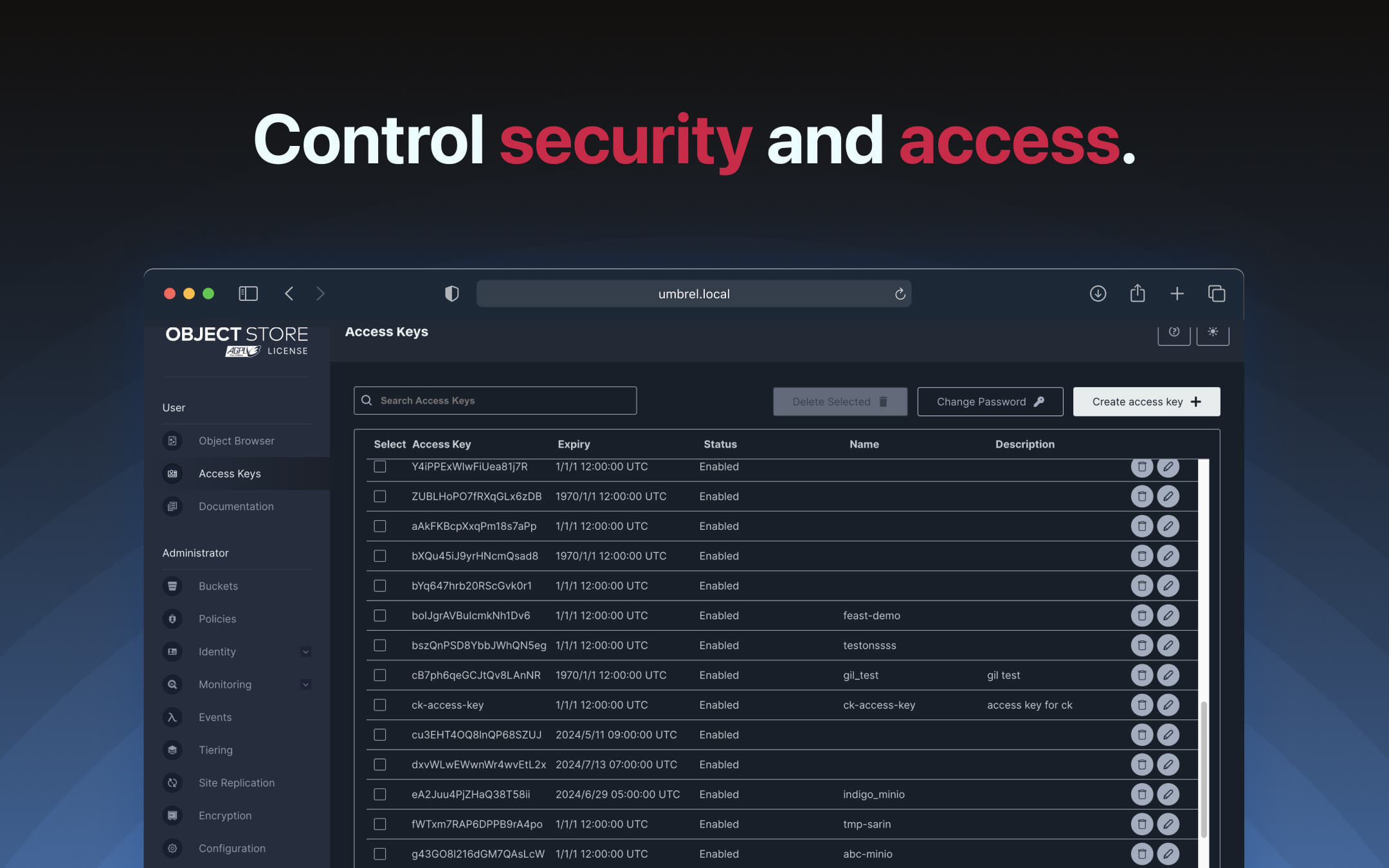
In May 2025, MinIO shipped a release that quietly stripped almost everything out of the Console in the open-source Community Edition. What used to be a full admin panel — user creation, access keys, IAM policies, bucket configuration — got reduced to a bare object browser: upload, download, list. That's it.
Before — full admin Console
After — object browser only
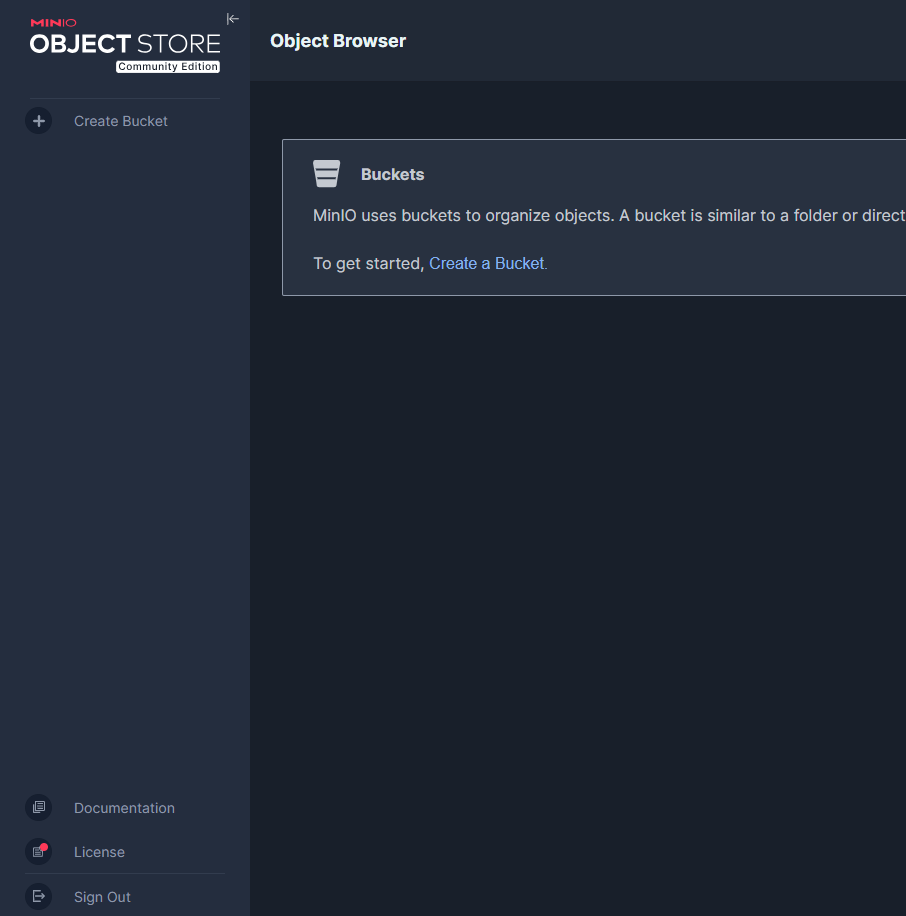
There was no real warning in the changelog. People upgraded a patch version and woke up to a missing admin menu. The reaction across GitHub Discussions, Hacker News, and self-hosting forums was not subtle — plenty of admins said they'd lost trust in the project entirely, and more than a few migrated to alternatives like Garage on the spot.
MinIO's own explanation, from co-founder Harshavardhana on the merge that did it: maintaining two separate consoles (community and commercial) wasn't worth the engineering effort. If you want the admin GUI back, the path is their paid enterprise product, AIStor. Everyone else gets mc — the command-line client — for anything beyond browsing files.
That's a legitimate business decision for MinIO to make. It's also exactly the kind of gap a small self-hosted tool can fill, since none of what got removed actually requires anything proprietary — it's all just calls to MinIO's own admin API.
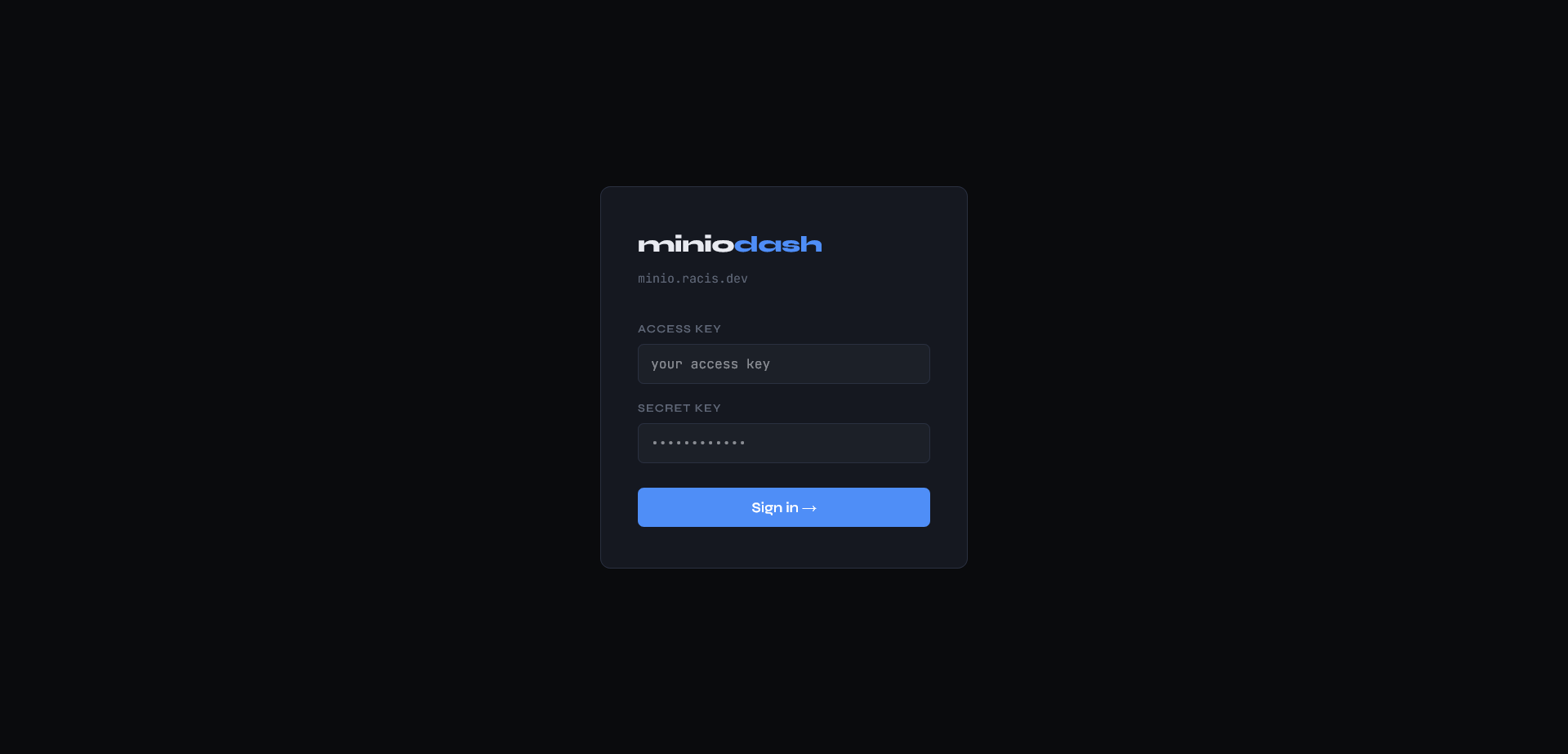
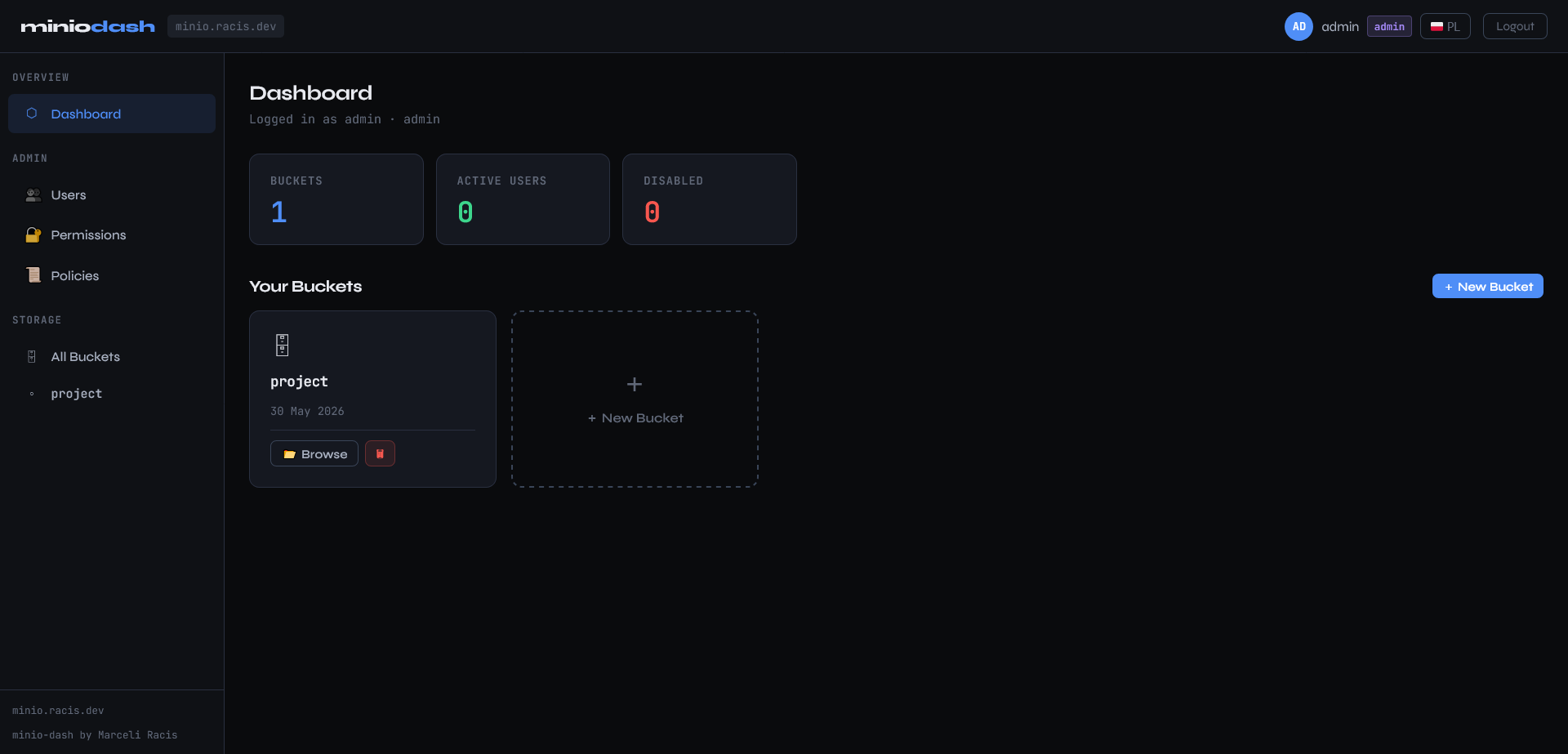
Here's what filling that gap looks like in minio-dash:
Login
Dashboard
Users
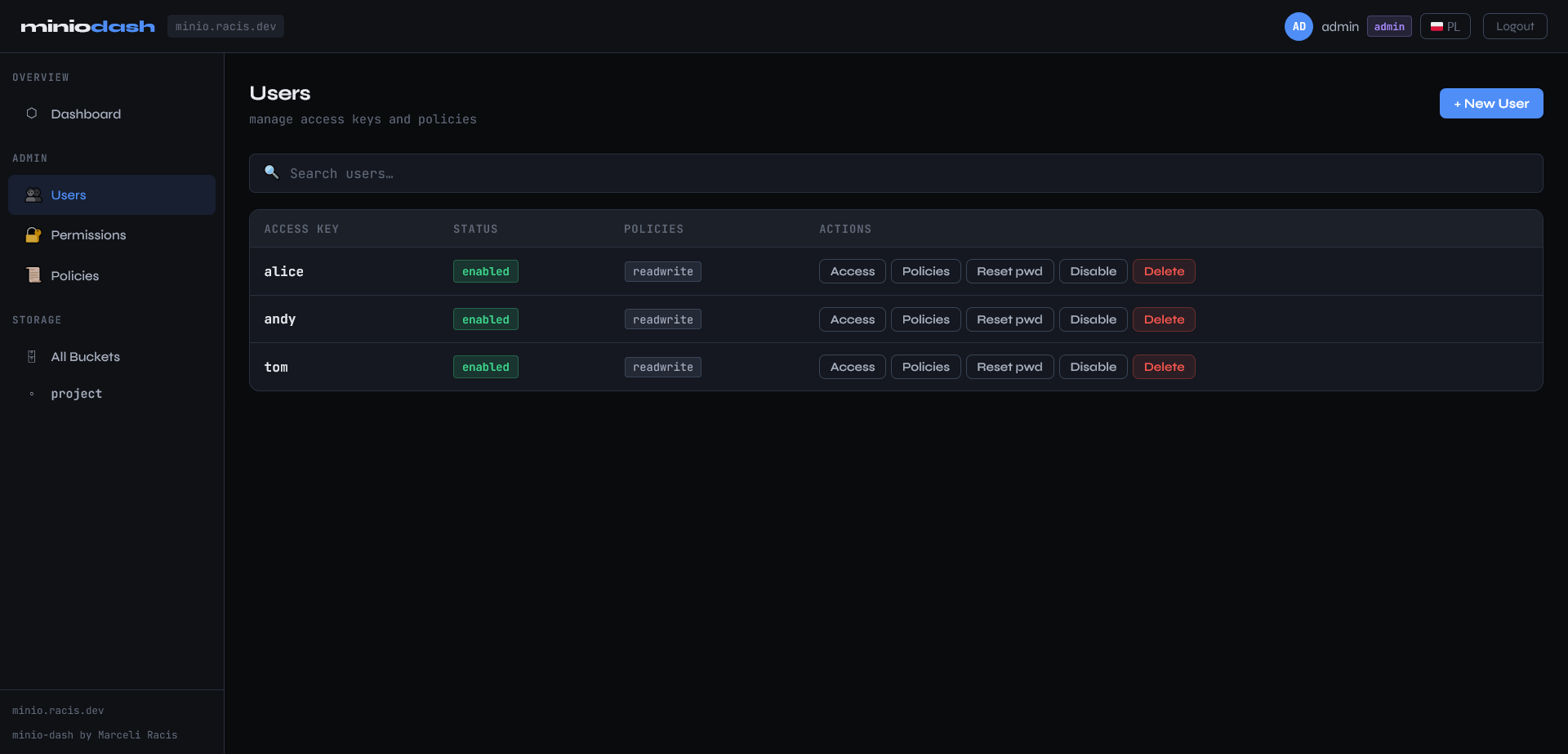
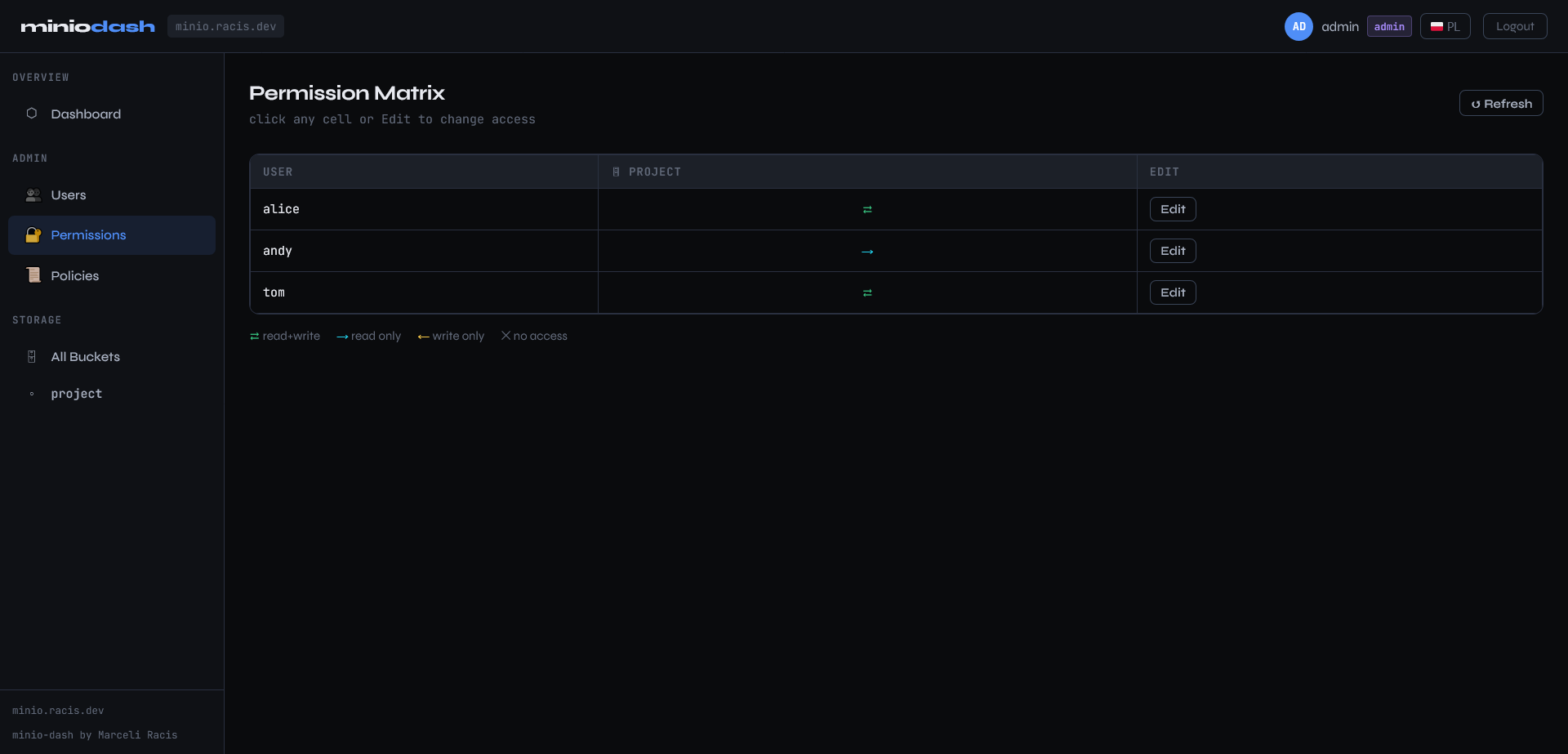
Permission Matrix
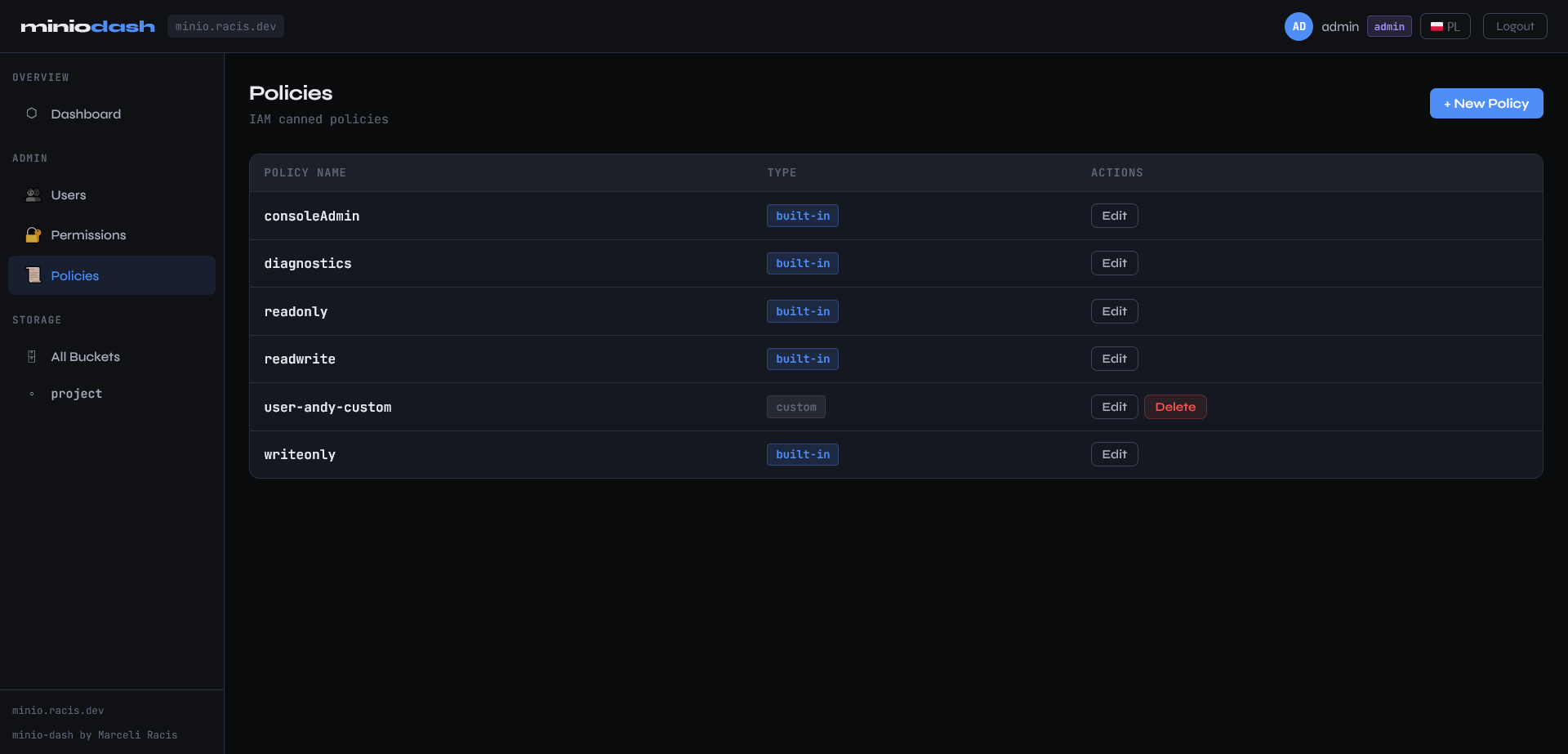
Policies
What minio-dash does instead
minio-dash is a single Flask container that talks to your MinIO instance through the Python SDK and the same admin REST API the official Console used to use, with AWS Signature V4 request signing. No mc, no separate CLI step, no enterprise license.
Feature-for-feature, here's where the two stand today:
| Official Console (Community Edition) | minio-dash | |
|---|---|---|
| Browse / upload / download files | ✅ | ✅ |
| Create / delete buckets | ❌ (mc only) |
✅ |
| Create / delete / enable / disable users | ❌ (mc only) |
✅ |
| IAM policy management | ❌ (mc only) |
✅ |
| Visual permission matrix (user × bucket) | ❌ | ✅ |
| Per-bucket access editor (r/w/rw/none) | ❌ | ✅ |
| Inline preview for non-media files | Partial | ✅ (sandboxed) |
| Self-hostable for free | ✅ | ✅ |
| Multi-arch Docker image | ✅ | ✅ |
The permission matrix is the feature I keep coming back to. It's a table — every user as a row, every bucket as a column, the effective access level at the intersection. Click a cell, change the access level, and the backend generates and applies the IAM policy behind the scenes. No JSON to write by hand, no mc admin policy commands to remember the syntax for.
Where I'm still catching up to MinIO
I want to be straight about this, since the whole point of writing real comparisons instead of marketing copy is admitting the gaps:
- File preview is good, not complete. Images, video, and PDFs render fine. Code-like files (
.js,.html,.css) currently get sandboxed but still show as plaintext instead of syntax-highlighted or rendered — proper Markdown rendering is next on the list. - No replication or lifecycle management. The old Console could configure active-active/active-passive replication and object lifecycle rules.
minio-dashdoesn't touch this yet — it's squarely an admin/permissions tool, not a full operations console. - No Prometheus-backed metrics dashboard. The original Console's landing page was a live health dashboard.
minio-dashopens straight into the bucket list.
None of these are accidental omissions — they just weren't the itch I was scratching. The itch was "I want to manage users and permissions without memorizing mc flags," and that part is solid.
Try it
It's a single docker compose up -d away — config is two environment variables (MINIO_ENDPOINT, SECRET_KEY) and you're logging in with the access key/secret key you already have.
Source, full API reference, and setup instructions: git.racis.dev/marceliracis/minio-dash
Got a feature from the old Console you miss the most? That's basically my roadmap at this point — let me know.