minio-dash
A self-hosted MinIO admin dashboard — manage buckets, files, users and IAM policies directly in the browser. Built with Flask and the MinIO Python SDK, JWT-authenticated, single Docker image, no CLI required.
minio-dash
A full-stack MinIO admin dashboard — manage buckets, files, users and permissions entirely from the browser, no CLI required.
Overview
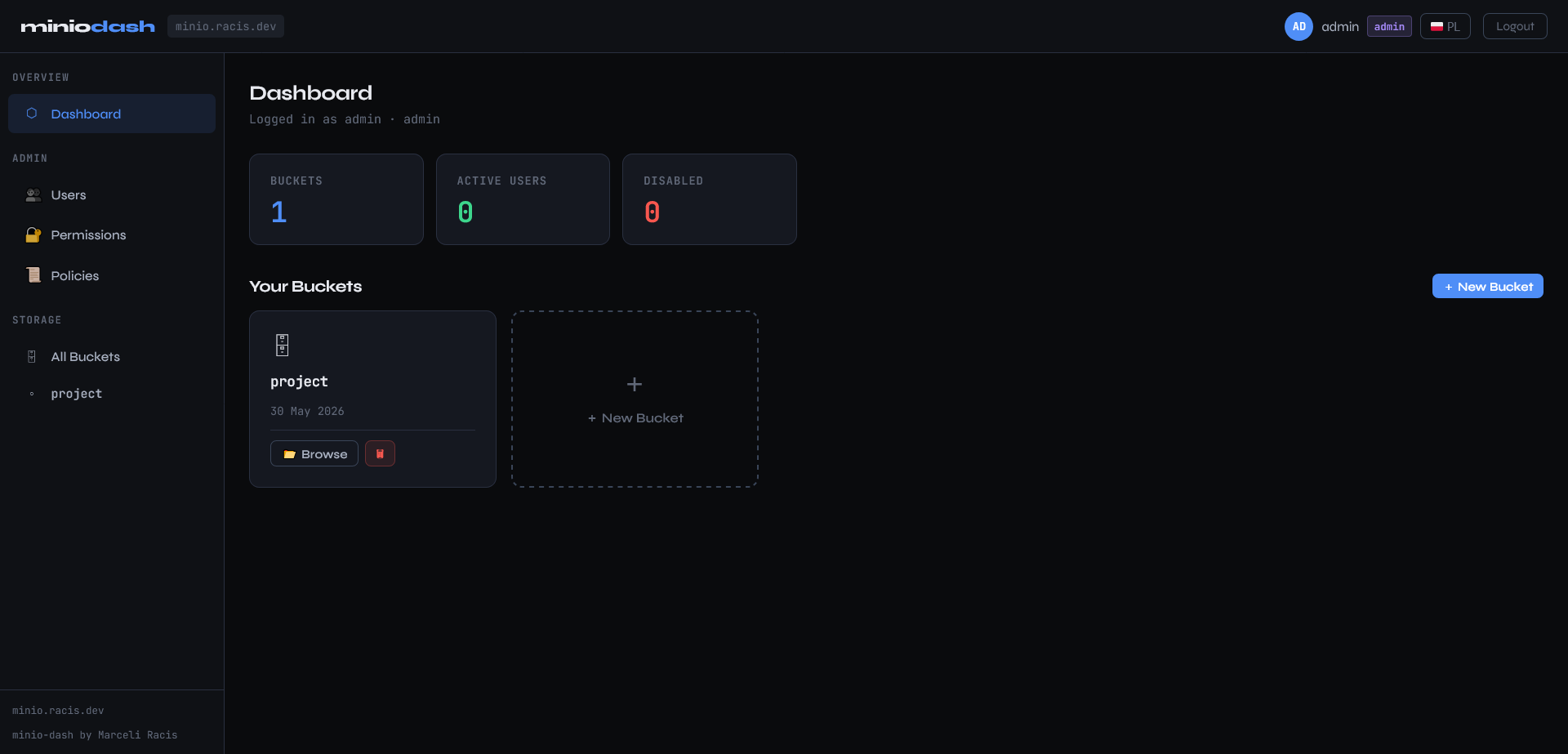
The MinIO ecosystem lacks a lightweight, self-hosted admin UI that covers the full management surface — bucket operations, file browsing, user administration, and IAM policies — without relying on the mc CLI or the heavy official MinIO Console. minio-dash fills that gap.
The project is a single-container Flask application backed by the MinIO Python SDK and direct admin REST API calls with AWS Signature V4 signing. The entire frontend is a single ui.html file — no build step, no bundler, no external dependencies at runtime.
Screenshots
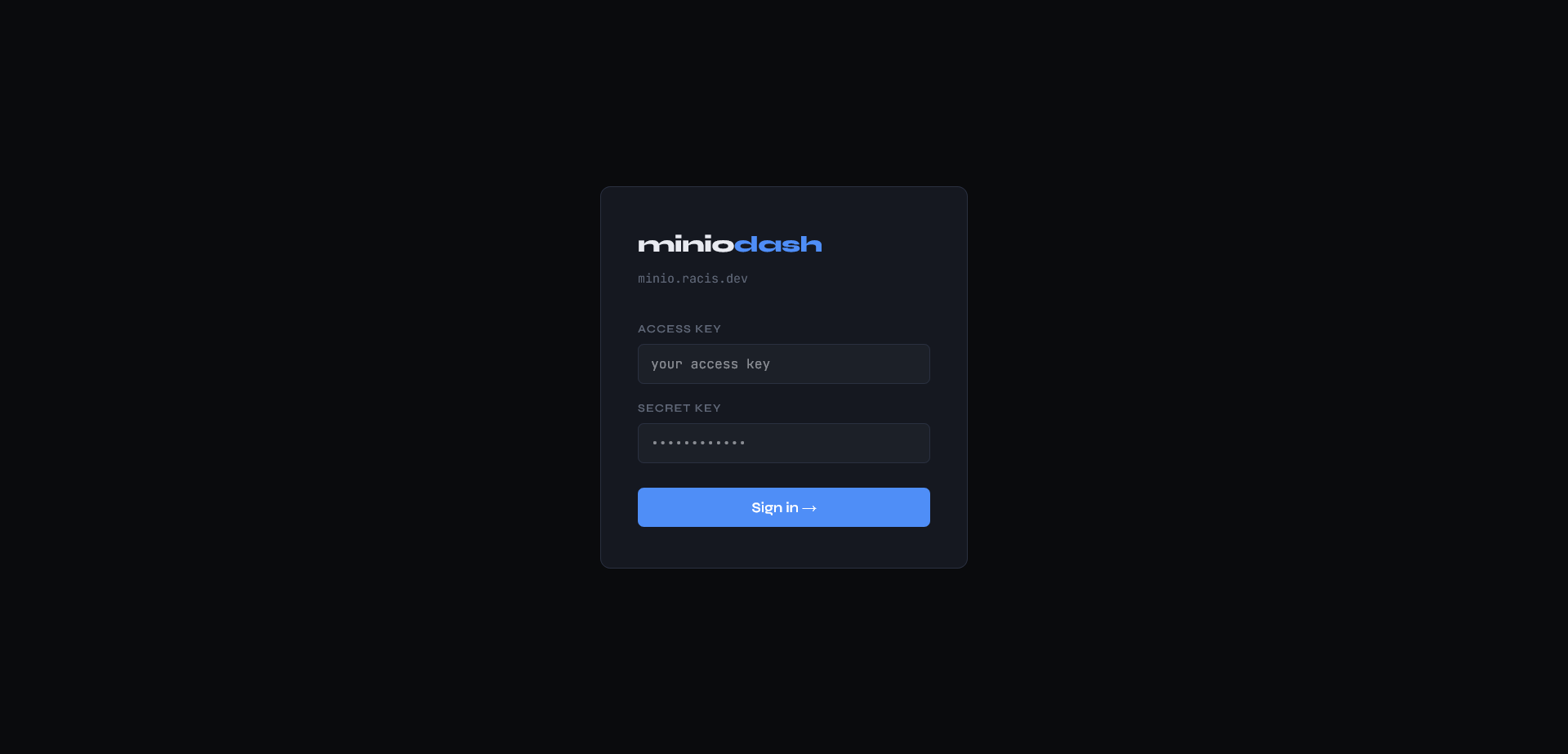
Login
Dashboard
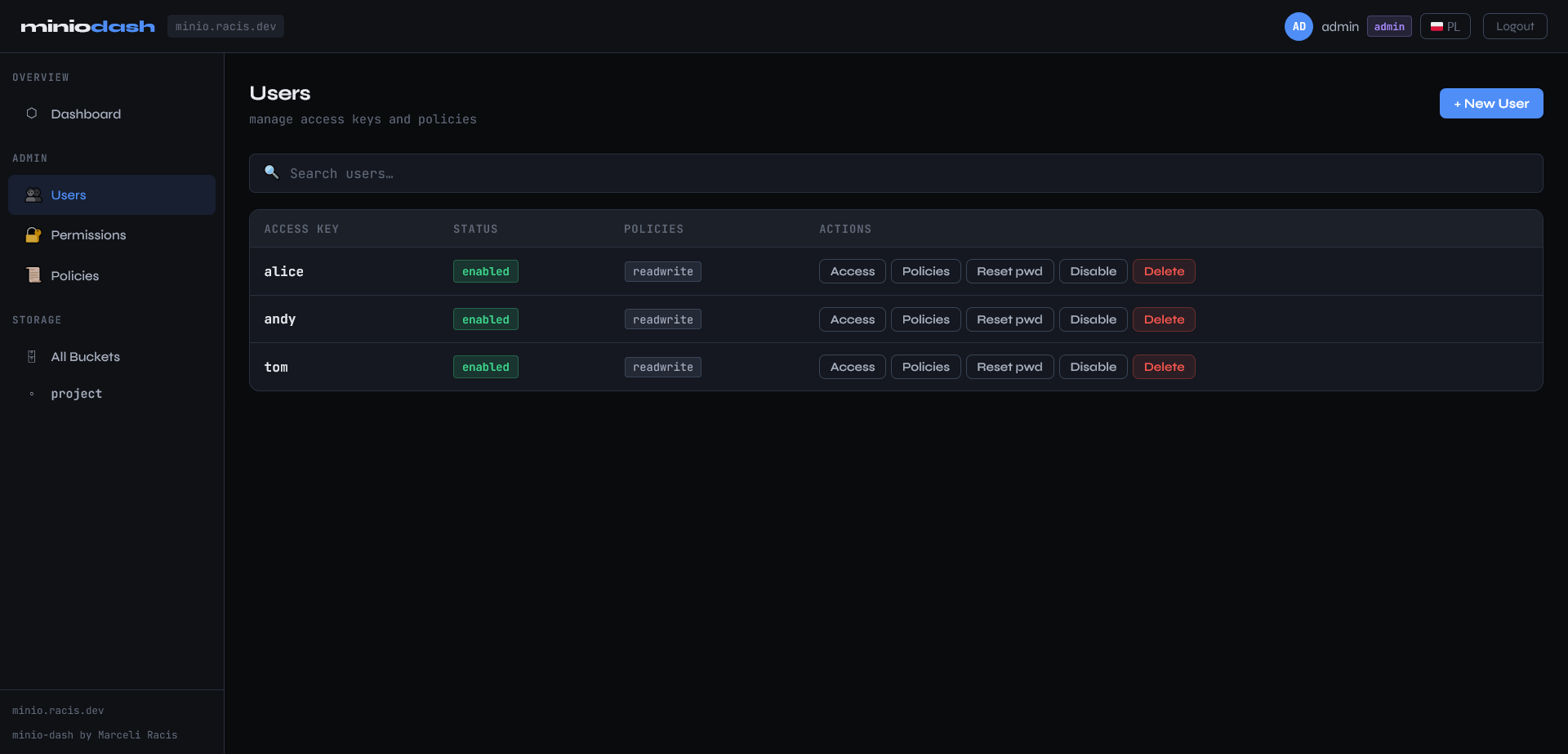
Users
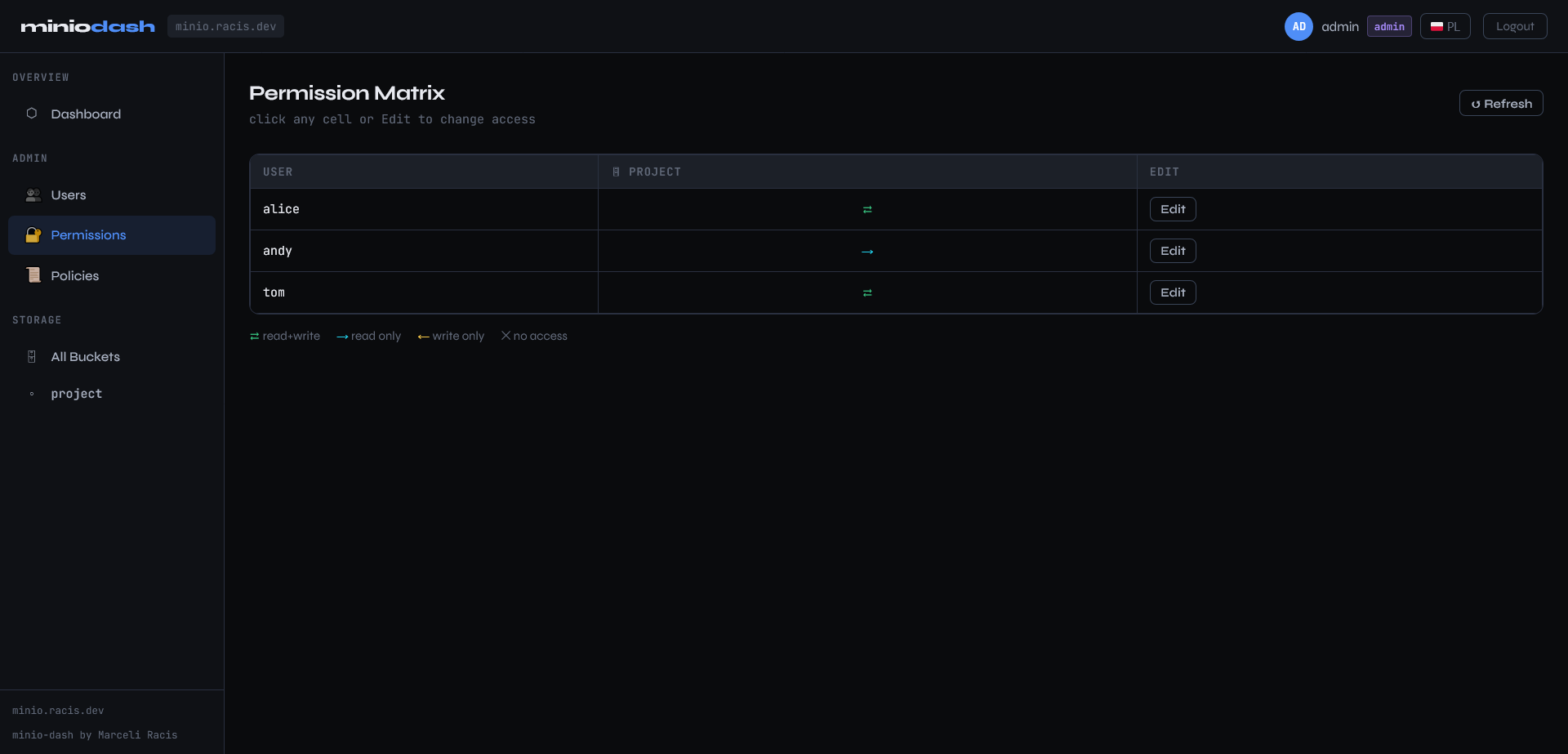
Permission Matrix
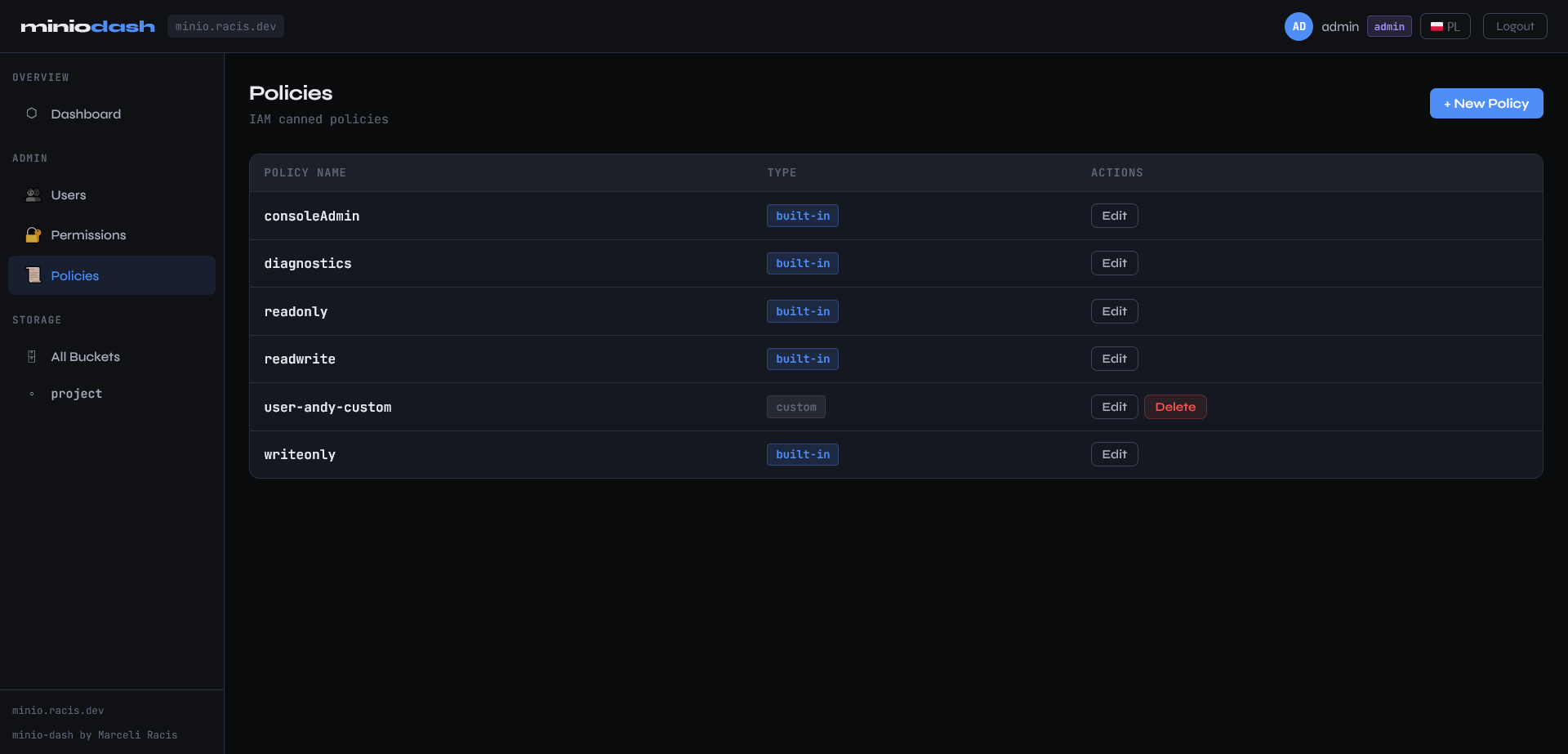
Policies
Technical Highlights
JWT session layer
Login is performed by verifying the provided MinIO credentials against a live list_buckets() call. On success, a signed JWT (HS256, 8h TTL) is issued and stored in the browser. Credentials are held in a server-side memory cache for the session duration and never written to disk.
Admin privilege auto-detection On login, the server probes the MinIO admin API to determine whether the authenticated user holds admin privileges. The UI and endpoint access are adjusted accordingly — non-admin users get a scoped read/write interface, admins get the full management surface.
Permission matrix A dedicated view renders a visual table mapping every user against every bucket, showing their effective read/write access level at a glance. Access can be edited inline — the backend translates changes into auto-generated IAM policies applied directly via the admin API.
Zero-dependency frontend
The entire UI is a single ui.html file with no build pipeline. Translations for English and Polish are loaded from locales/ JSON files, making the i18n surface easy to extend.
Docker-first deployment
A multi-arch image (amd64 / arm64) is published to the registry. The full stack runs with a single docker compose up -d. A reverse proxy snippet for nginx is included for production deployments.
Tech Stack
| Layer | Technology |
|---|---|
| Backend | Python, Flask, Gunicorn |
| Storage SDK | MinIO Python SDK, AWS Signature V4 |
| Auth | JWT HS256 |
| Frontend | Vanilla HTML/CSS/JS (single file) |
| i18n | JSON locale files (EN / PL) |
| Infrastructure | Docker, Docker Compose |
MIT License · Marceli Racis